Add Your Tattoo Idea
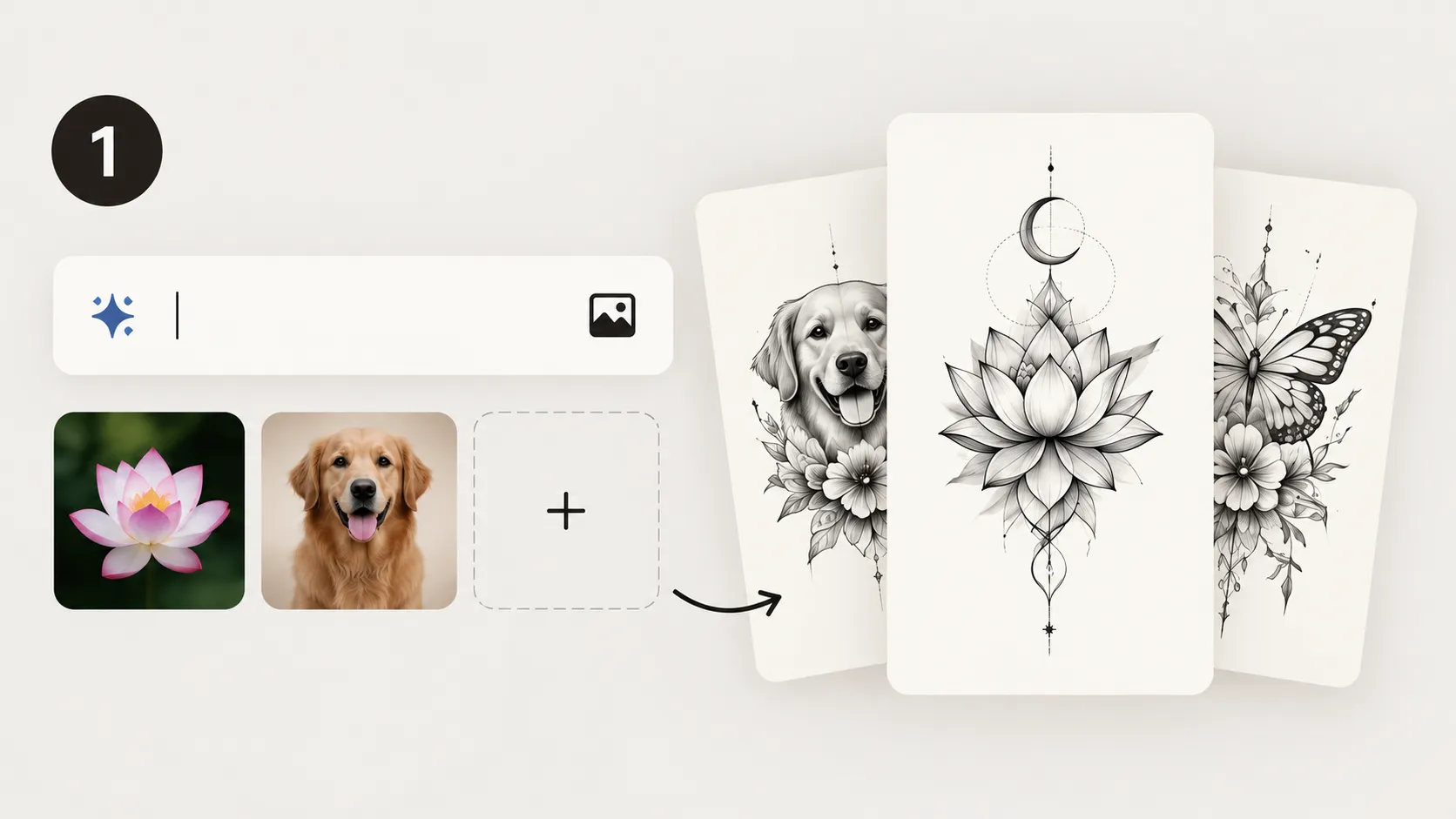
Describe the tattoo you want or upload a reference image to give the AI a clear starting point.

Explore a free BlackInk AI alternative and turn your ideas, images, or personal stories into custom tattoo designs. Create your own tattoo with ease.
My Ink
0Saved for 7 days without sign-in. Saved permanently after sign-in.
Total 0
No history yet. Start creating your first tattoo!
BlackInk AI is an AI tattoo generator that helps users turn written ideas into tattoo concepts across different styles. It also supports design discovery through a public inspiration gallery, allowing users to explore community artwork, recreate selected ideas, and preview how a design may look on the body. Tat Ink supports the same core intent while providing a broader tattoo planning workspace. You can begin with a prompt, personal story, text, reference image, existing tattoo, or placement question, then develop the idea through dedicated creation and planning workflows.
Create a tattoo now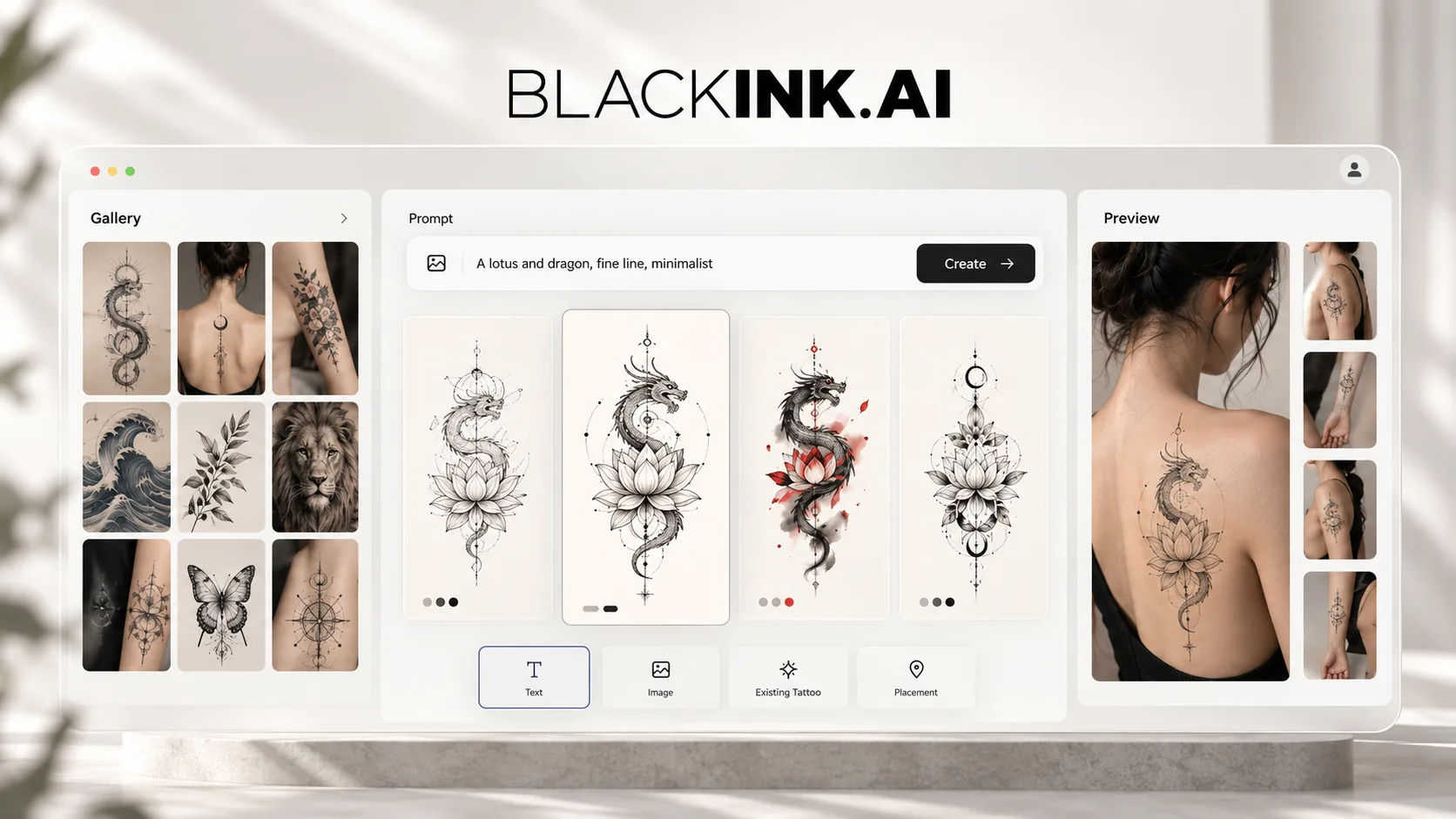
A closer look at how the main BlackInk AI features work, where they provide value, and how they fit into a real tattoo planning process.
The BlackInk AI tattoo generator is designed for quickly exploring how a written idea could look as tattoo artwork. Users enter a prompt, select a style, and choose a shape or intended body placement before generating several concepts. The process is straightforward and useful for comparing compositions without preparing a detailed design brief. More complex ideas may still need repeated prompt adjustments, and small details may not translate directly into practical tattoo linework. As a result, the generator works best for establishing a visual direction rather than producing a finished design ready to tattoo.
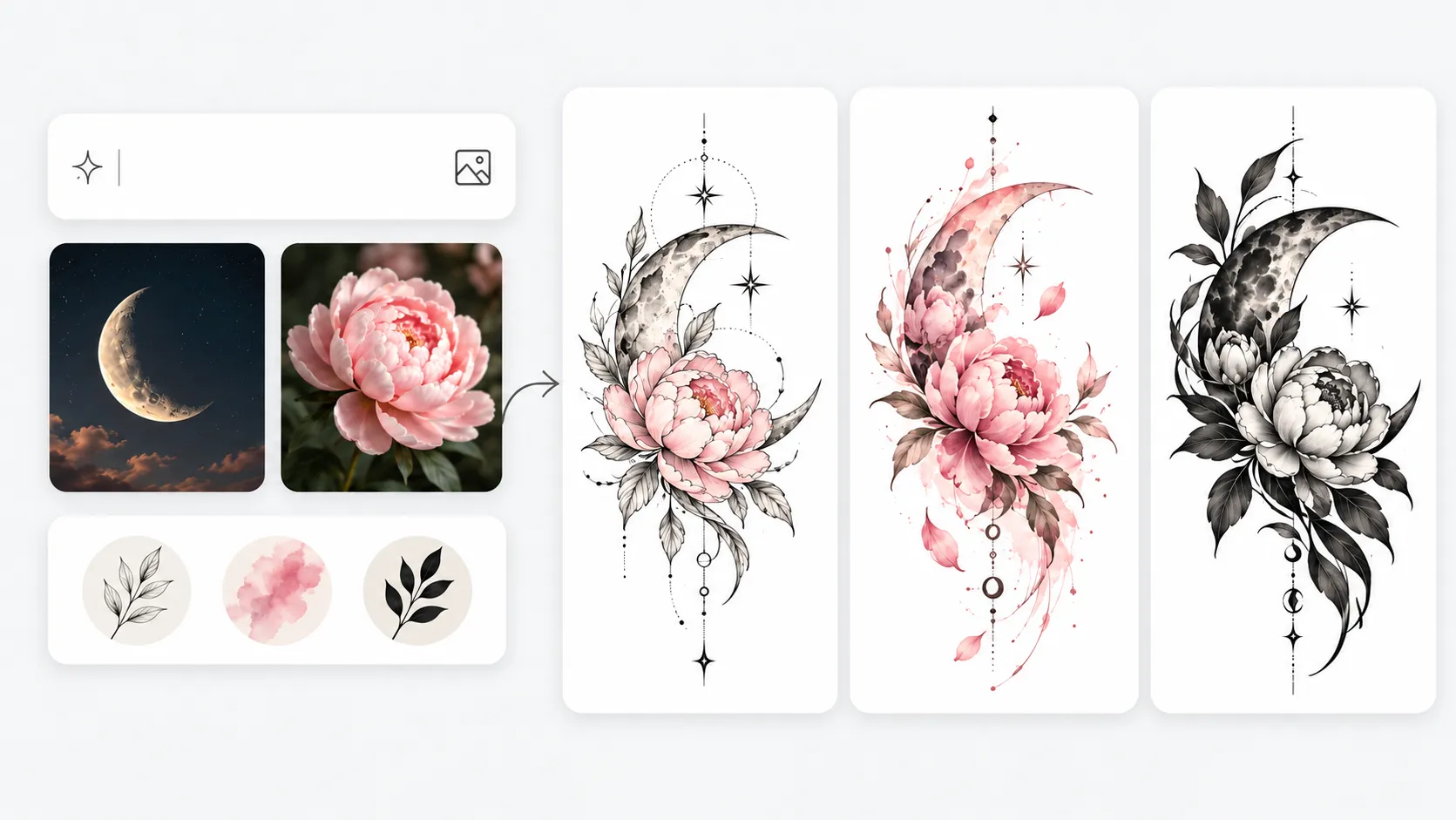
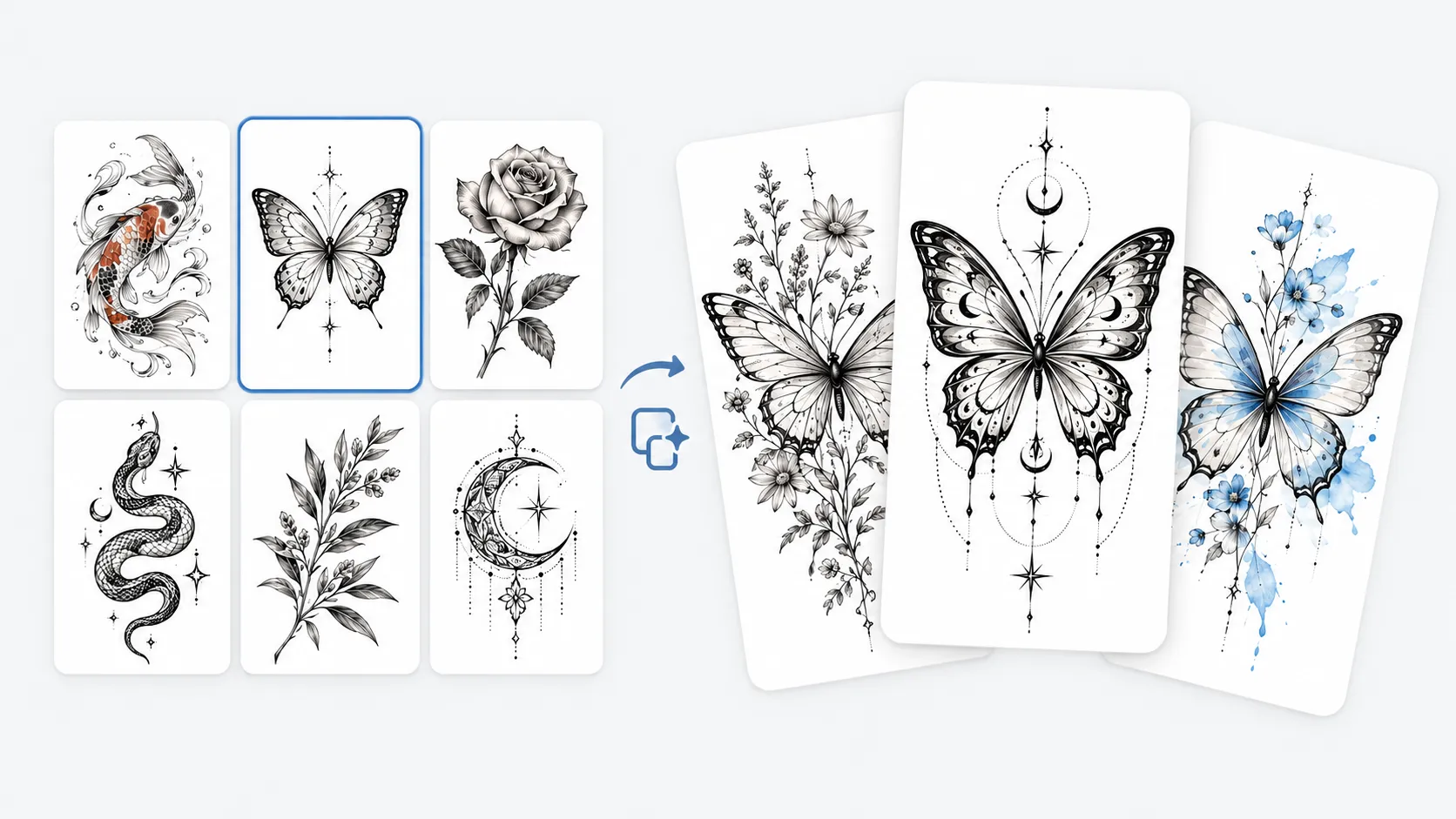
The public gallery makes it possible to explore tattoo ideas without starting from an empty prompt. Users can browse artwork, identify styles and compositions they like, and remix selected designs into related variations. This is useful for learning how different subjects are interpreted across tattoo styles. The results remain closely connected to an existing visual direction, so they may not fully reflect the wearer’s personal meaning or story. For this reason, the gallery works best as a source of visual references rather than the final definition of a personal tattoo.
BlackInk AI brings body visualization, stencil conversion, cover-up planning, and filler creation into the later stages of the workflow. These tools can help users check approximate placement with a tattoo try on preview, simplify artwork into a clearer reference, or explore how new imagery might interact with existing ink. They cannot fully account for anatomy, skin condition, old pigment, or the technical limits of a specific tattoo style. Because of this, the outputs are better suited for preparing an artist consultation than serving as final tattoo instructions.
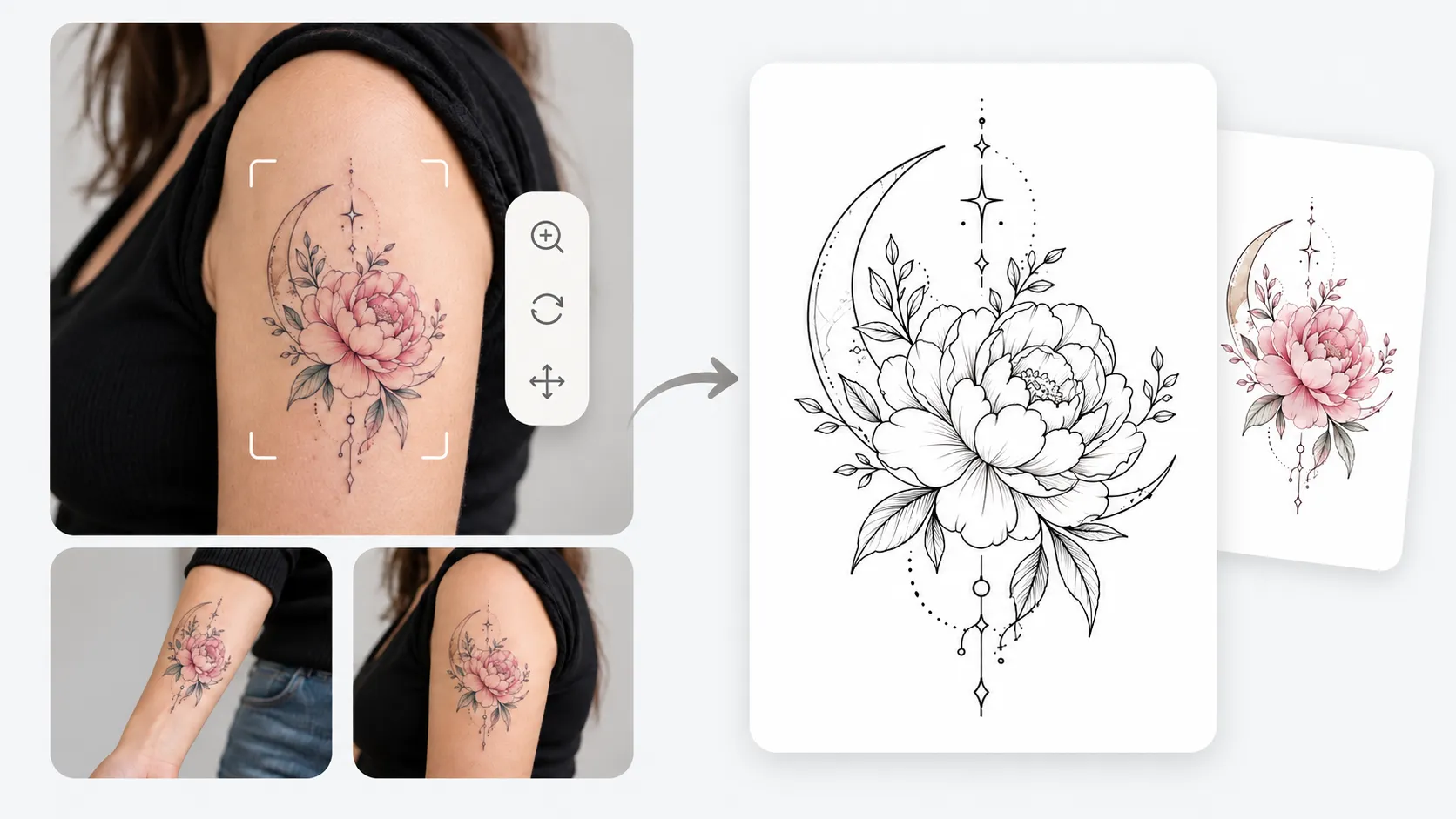
BlackInk AI supports tattoo inspiration and generation, while Tat Ink provides several tattoo-focused workflows in one place for developing and refining custom tattoo designs.
Core positioning
BlackInk AI
An AI tattoo generator focused on design creation, public inspiration, and visualization.
Tat Ink
An AI tattoo generator for creating and developing personalized tattoo designs.
Starting point
BlackInk AI
Start with a prompt, public gallery design, tattoo style, or placement template.
Tat Ink
Start with a personal idea, text, reference image, existing tattoo, or design you want to preview.
Idea and design generation
BlackInk AI
Browse community designs or generate tattoo concepts from written prompts.
Tat Ink
Develop personal ideas and turn them into custom designs with tattoo-specific creative controls.
Images and lettering
BlackInk AI
Supports image-based creation and text within the main generator.
Tat Ink
Provides focused workflows for turning images into tattoos and exploring custom tattoo lettering.
Existing tattoo planning
BlackInk AI
Includes cover-up and filler capabilities within the platform.
Tat Ink
Supports cover-ups, reworks, extensions, and custom-shaped gap fillers through separate workflows.
Stencils and placement
BlackInk AI
Offers stencil conversion and body visualization, with broader access included in Pro.
Tat Ink
Create stencil-style references and preview a design's size and position on a body photo.
Project continuity
BlackInk AI
Paid access adds privacy and longer-term storage for generated designs.
Tat Ink
Guest work is saved temporarily, while signed-in users can continue managing designs through My Ink.
Free access and pricing
BlackInk AI
Currently offers three trial credits, followed by a Pro Unlimited subscription.
Tat Ink
Offers free monthly credits (8 for guests, 25 when signed in) that reset each month, with each generation costing 4 credits, followed by credit-based monthly plans.
Best fit
BlackInk AI
People who value public inspiration, community designs, unlimited paid generation, or temporary tattoo ordering.
Tat Ink
People who want to develop personal tattoo ideas into clearer references for an artist consultation.
Not every tattoo starts with a polished prompt. Tat Ink lets you begin with the material you already have: a personal idea, a phrase, a reference photo, an old tattoo, an empty gap, or a finished design that needs a placement check.
Move from early inspiration to visual generation, lettering, stencil preparation, existing tattoo planning, and body preview within the same tattoo focused site. My Ink helps keep selected work available so the next step can continue from the same direction.
Tat Ink lets you explore different concepts and refine your preferred direction before choosing a final design. Free credits renew monthly, while optional credit plans provide additional capacity when you need more variations or longer creative sessions.
Describe the tattoo you want or upload a reference image to give the AI a clear starting point.
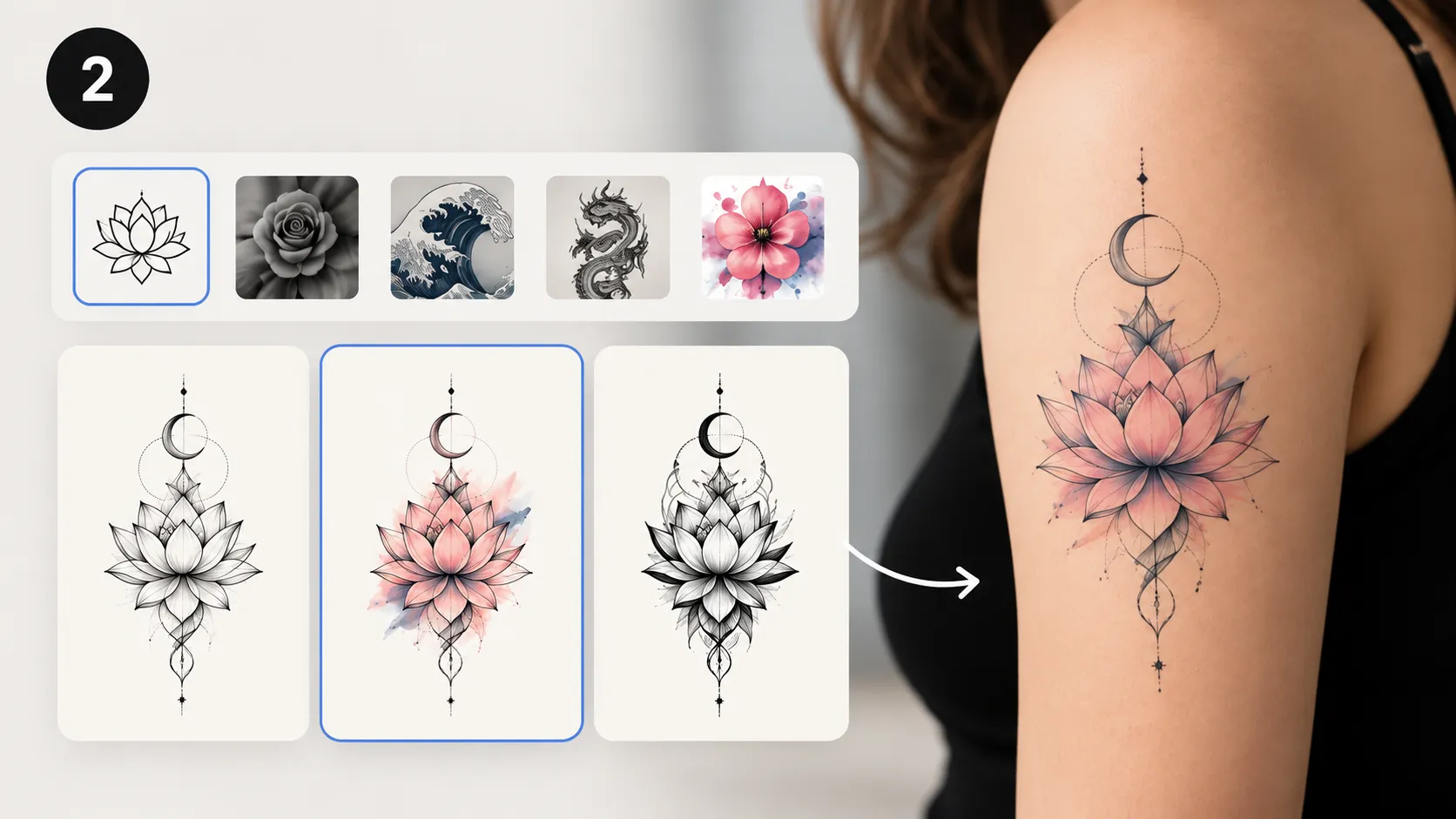
Choose a tattoo style and adjust the main design settings to match your preferred look and placement.
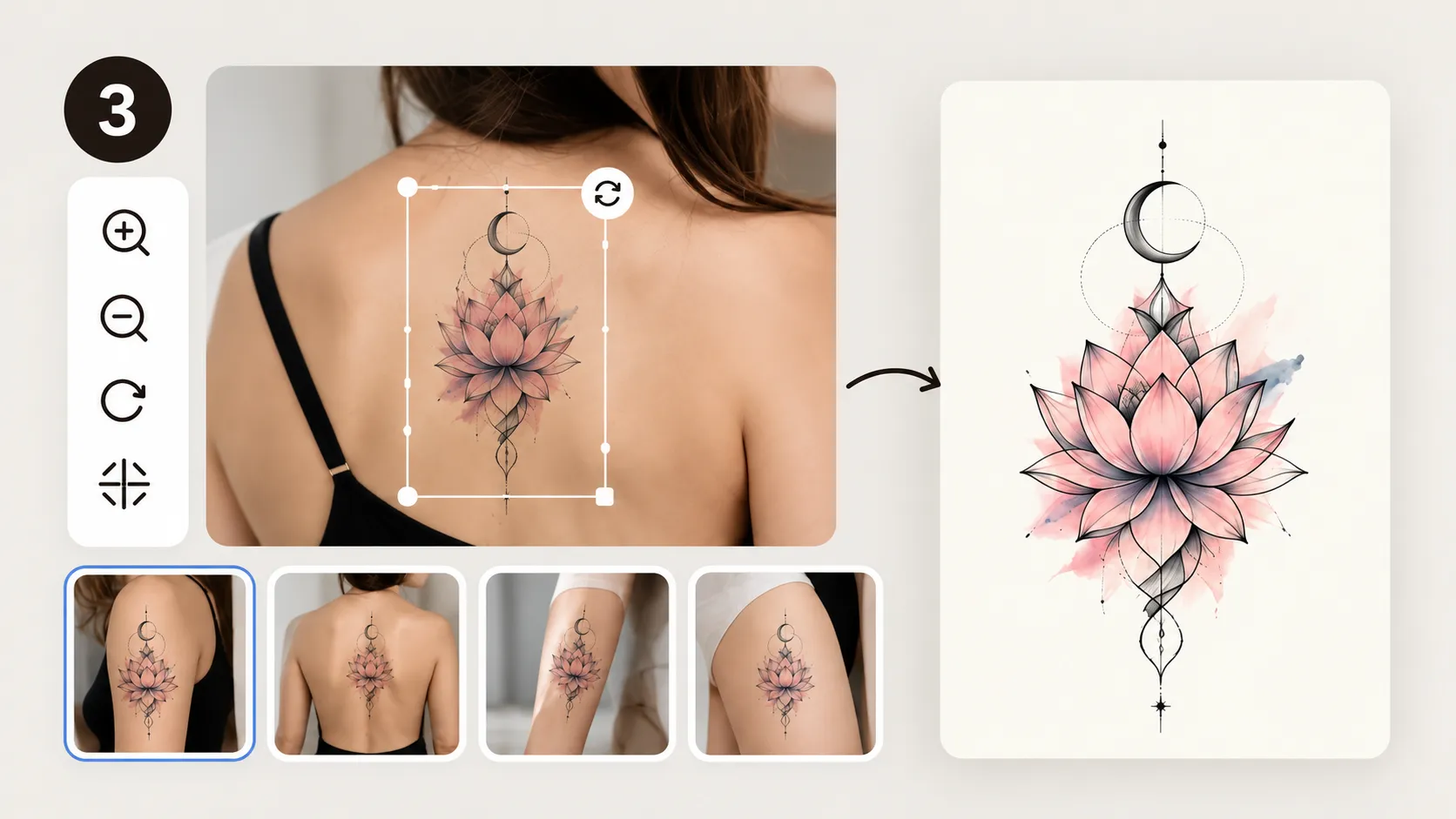
Create your tattoo design, compare the results, and refine your favorite before saving or sharing it with your tattoo artist.
Create a custom tattoo design and develop a clearer visual direction to share with your tattoo artist.