Choose a Cover Up Mode
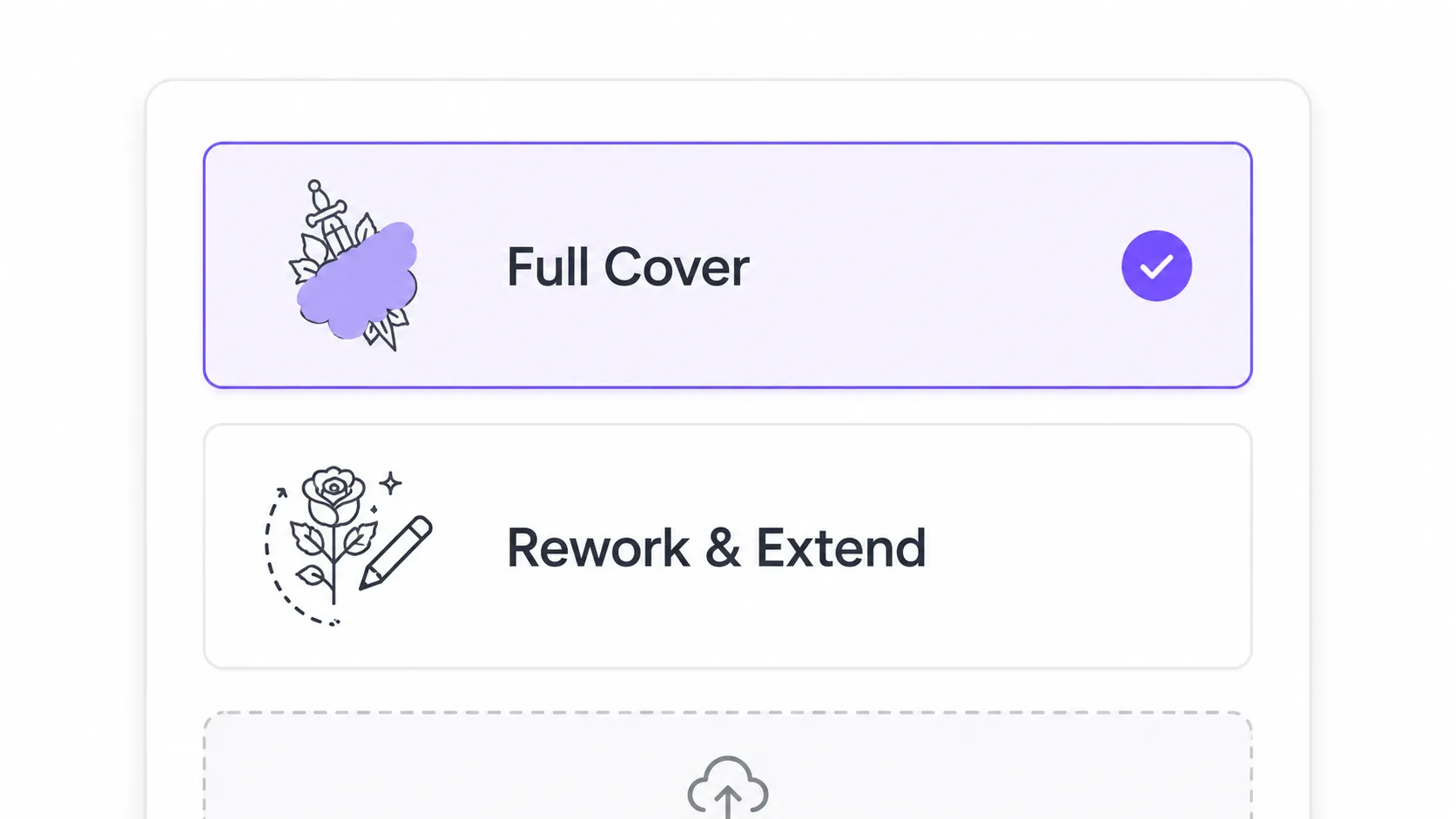
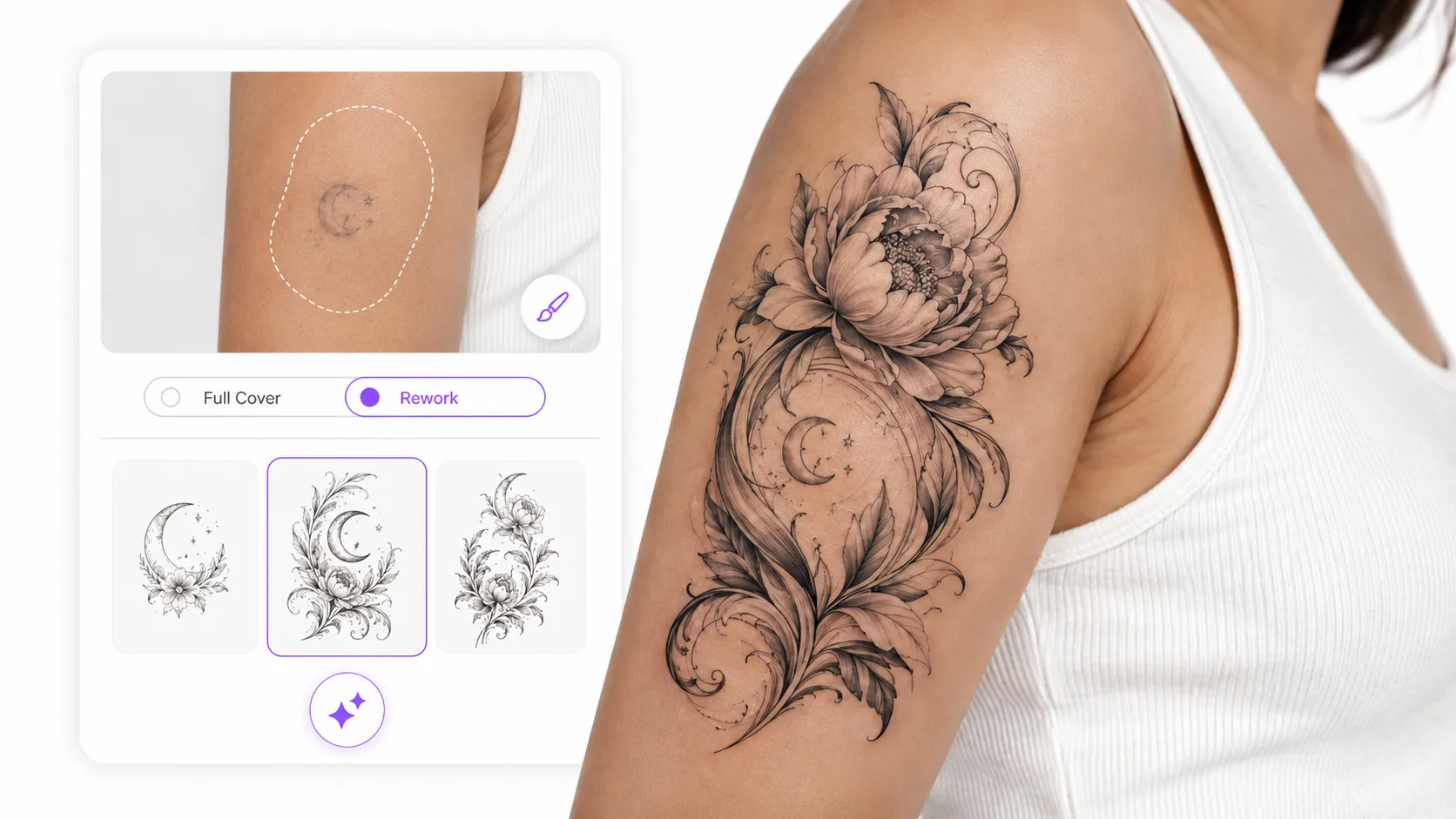
Select Full Cover to replace the old tattoo, or Rework & Extend to preserve and improve selected parts.

AI Tattoo Cover Up
Replace old ink with a completely new tattoo design.
My Ink
0Saved for 7 days without sign-in. Saved permanently after sign-in.
Total 0
No history yet. Start creating your first tattoo!
Redesign an old tattoo without manually editing the image. Upload a photo, brush over the tattoo area, and choose to fully cover it with a new design or rework only selected areas. Explore custom tattoo cover up ideas and preview the result before sharing it with your tattoo artist.
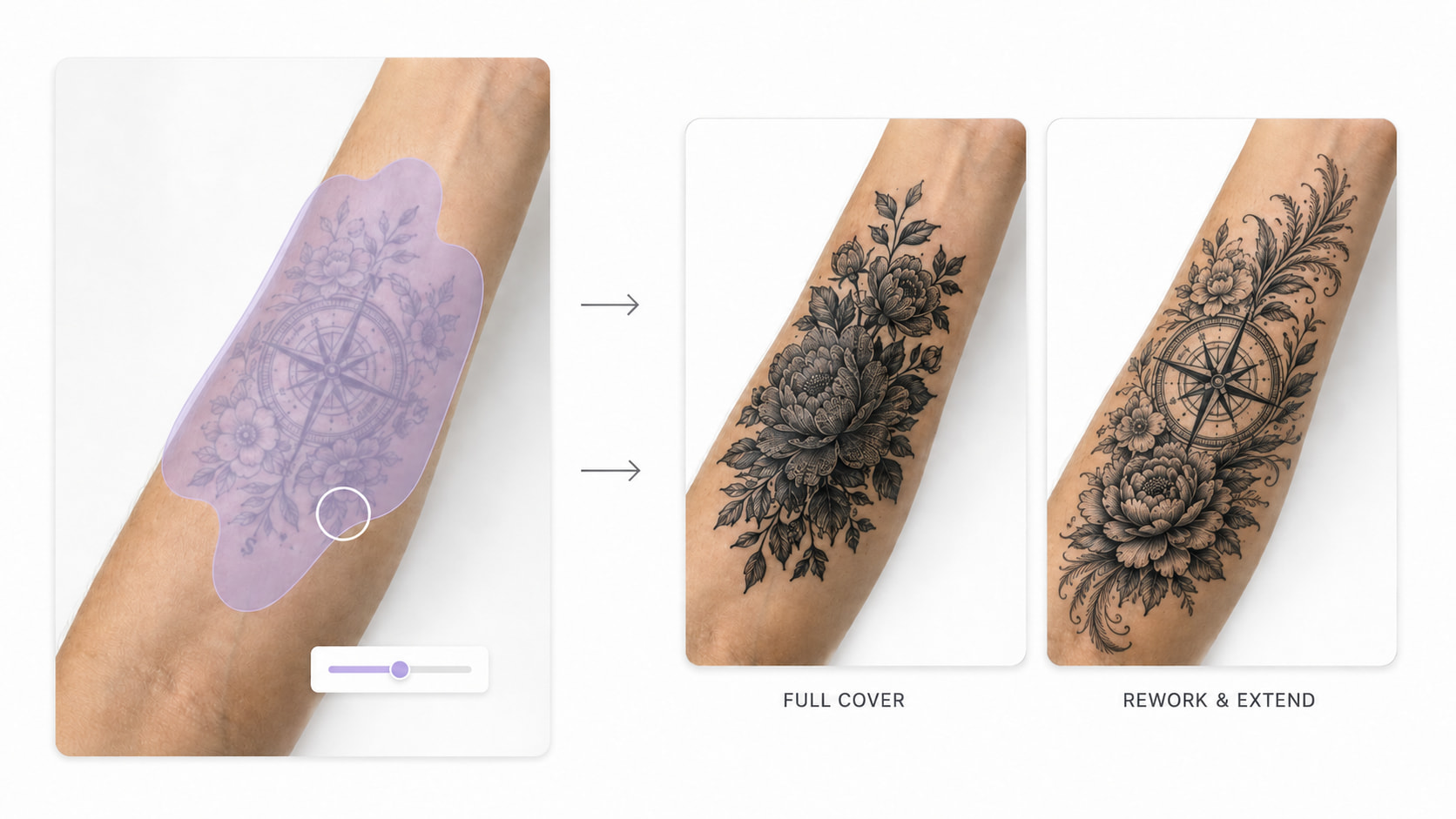
An unwanted tattoo can be tricky to redesign when you can’t picture what will actually work over the existing ink. Our AI tattoo cover up generator analyzes your uploaded photo and the area you mark, then creates cover-up ideas that fit around the tattoo’s shape, placement, and visible details. Looking for a completely new idea instead? Try our Free AI tattoo generator to explore different designs and find one that works for you.
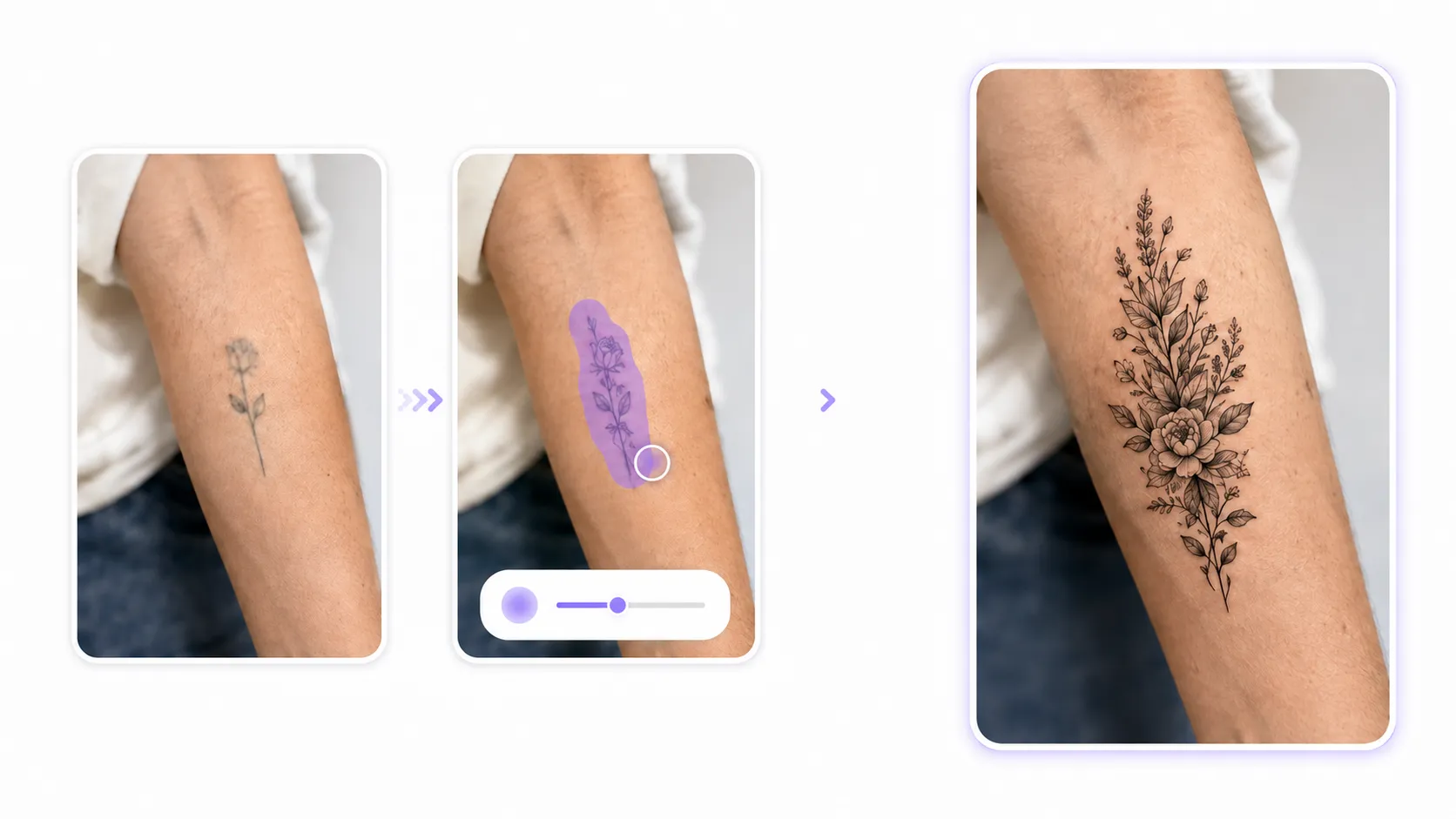
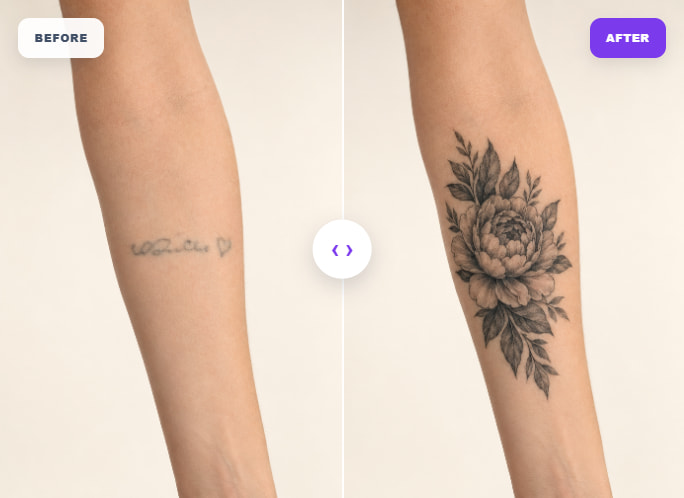
A faded, outdated, or straight-up regrettable tattoo doesn't have to stay — and it doesn't have to be lasered off either. The best cover-ups start from your actual ink: turn a photo into a tattoo of the old piece, and we build the new design around what's already there. The old lines stop being a mistake and start being the foundation — the anchor the fresh ink locks onto. Whether you want to keep a hint of the original or bury it completely, the result feels like it was always meant to be on your skin.
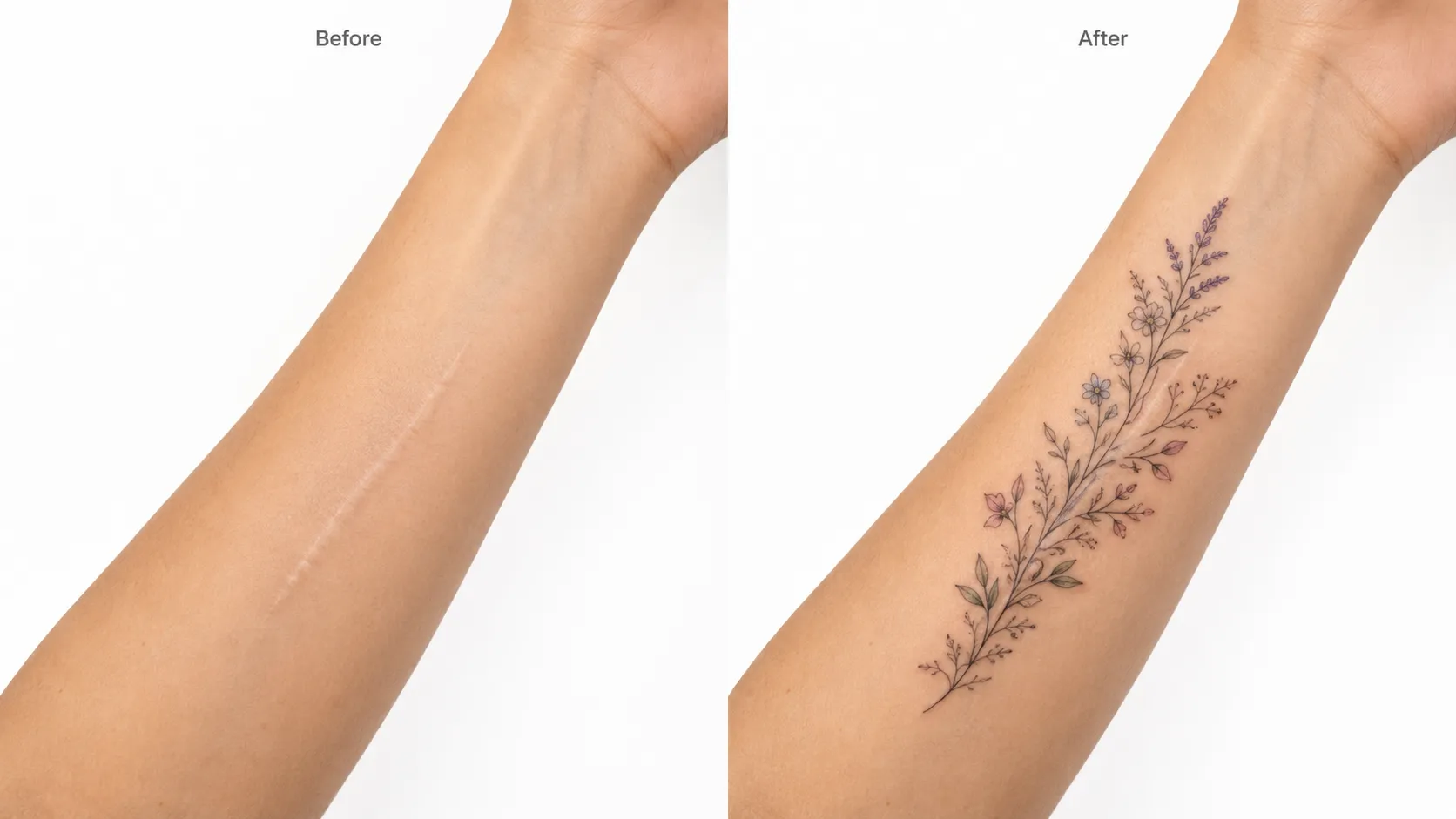
Scars and visible marks can make you think twice about showing your skin — but they can also become the reason for a design you actually love. The generator treats them the way it treats old ink: upload a photo, brush over the area, and watch decorative ideas wrap around the mark instead of awkwardly covering it. The preview shows how the linework flows around the texture, so you get an honest sense of what's possible. One straight note: AI can't tell whether the skin is ready. Have a professional tattoo artist confirm the area is fully healed before you book — that call stays with a human.
Some tattoos need a complete reset; others just need a second chance on a few details. Full Cover replaces the whole marked area with a new design — the option when the old piece has to go. Rework & Extend keeps what still works, sharpening a faded outline or finishing a symbol that was only half done. Both modes start the same way: mark the area, describe the direction, and let the AI handle the guesswork. Not sure what to cover it with? Use the tattoo ideas generator to narrow options first, then bring the winner back here.
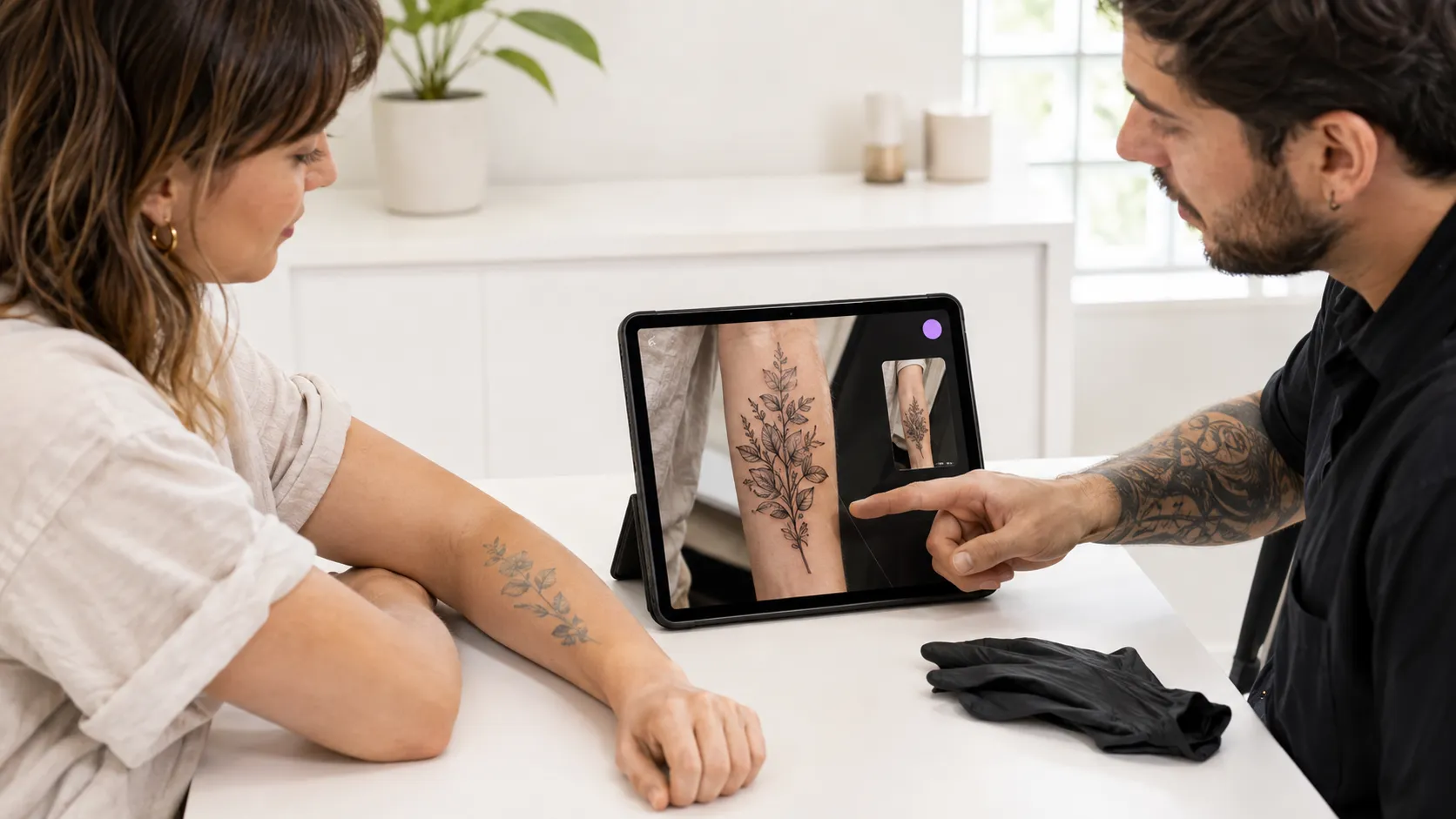
A cover-up is permanent — and a botched one is twice as hard to fix as the original. That's why you get to see the design on your own photo before anyone touches your skin: compare directions, tweak the coverage, and make sure the old ink actually disappears. Make sure it truly hides the old design — see it tattoo visualizer first. When you and your artist agree on the direction, walk into the shop prepared. Ready to book? Prepare the artwork with a stencil maker your artist can trace.
3 Simple Steps
Create stunning cover up tattoos in just a few easy steps. It's fast, intuitive, and made for everyone.
Select Full Cover to replace the old tattoo, or Rework & Extend to preserve and improve selected parts.
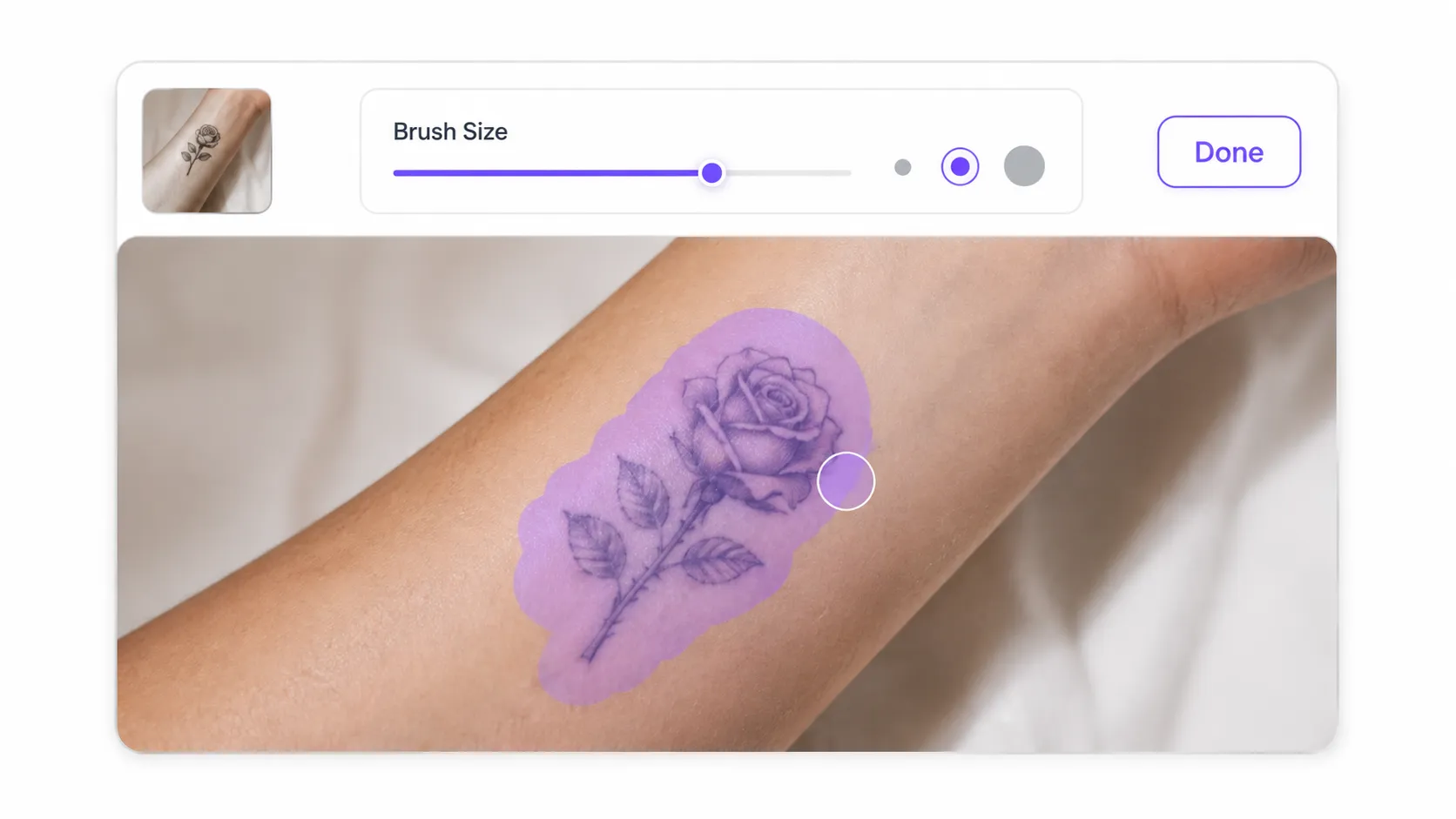
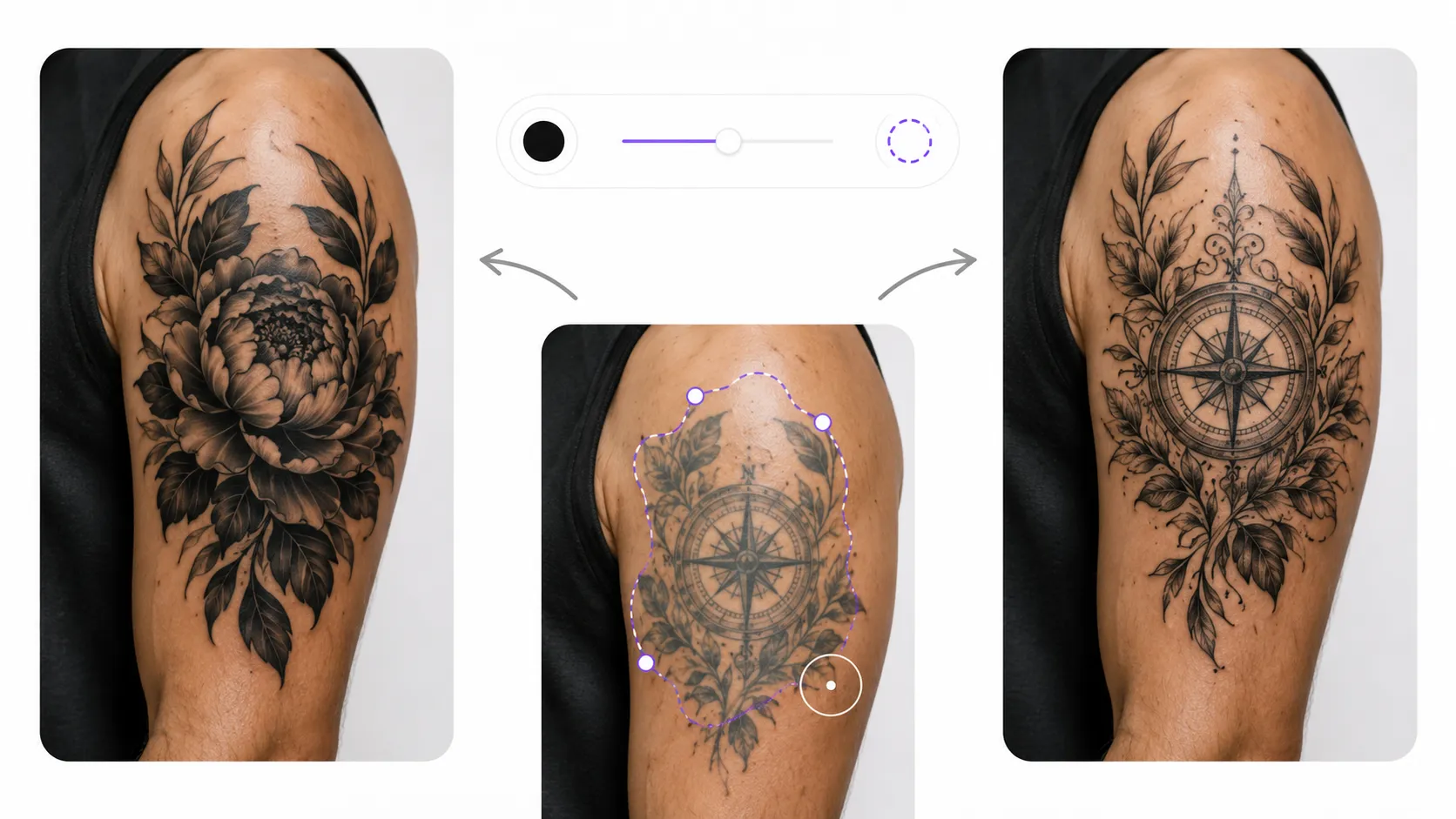
Upload a clear photo, adjust the brush size, and mark the area you want to change.
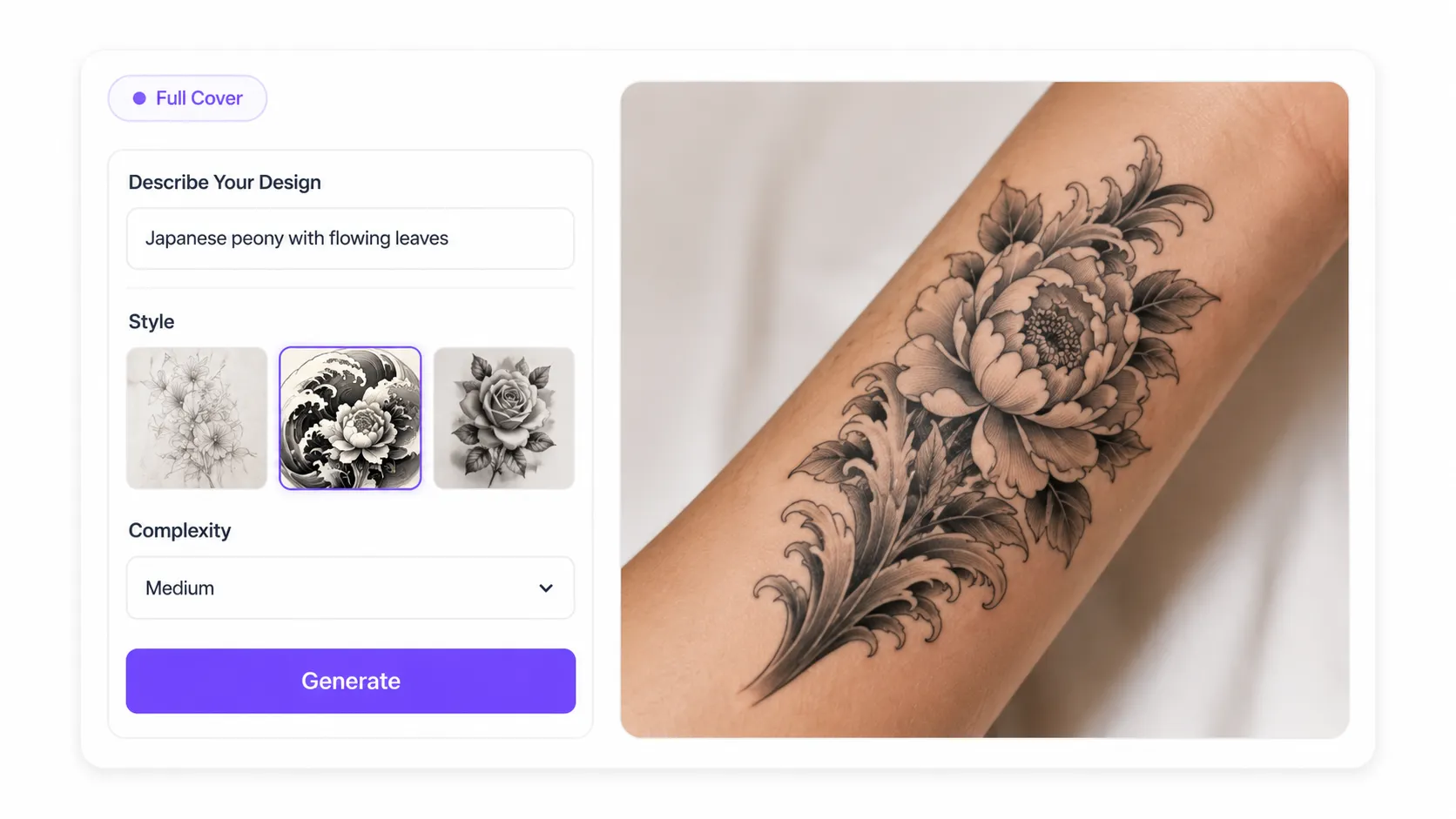
Describe your new design. For Full Cover, choose a style and complexity, then generate and preview the result.
A tattoo cover up is difficult to reverse. Preview different ideas first and choose a direction with more confidence before getting inked.
Use Full Cover to replace the entire marked tattoo, or choose Rework & Extend to improve selected areas while preserving the parts you still like.
Instead of placing an unrelated design over your photo, AI uses the area you mark to generate tattoo cover up ideas around the existing shape, size, and placement.
Describe the subject, mood, or meaning you want to express and turn an old tattoo into a design that better reflects your current story and style.
Use the generated tattoo cover up design as a visual reference when discussing composition, coverage, and style with a professional tattoo artist.
Upload a photo, mark the tattoo, describe your idea, and generate a preview online without learning complicated photo-editing software.

"I had a faded old tattoo that no longer matched my style, but I was unsure whether a new design could cover it properly. The AI tattoo cover up generator helped me explore several ideas for a full tattoo cover up directly on my photo. It gave me a much clearer starting point before speaking with my tattoo artist."
Upload your old tattoo, select the area to transform, and generate a new cover-up or rework idea in a few clicks.

